
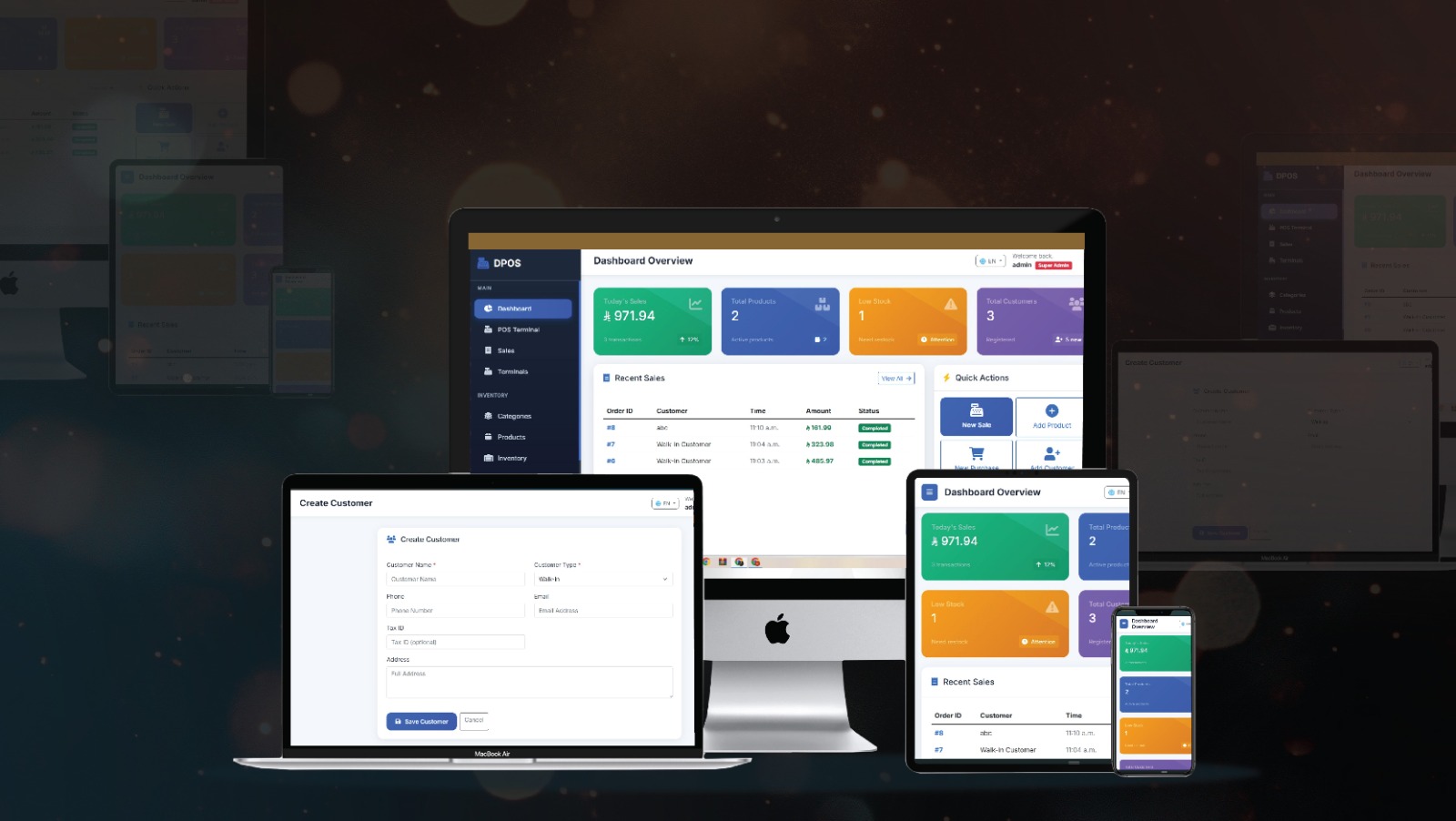
Our Point of Sale (POS) System is a powerful, Python-based business management software designed to streamline sales, inventory, and financial operations for modernbusinesses. This mobile-friendly POS system works seamlessly across web and mobiledevices, allowing you to manage your business anytime, anywhere. Fromproduct management and inventory tracking to sales processing, reporting, and analytics, this POS software provides a complete digital solution for retailers, wholesalers, andenterprises. Whether you run a retail store, supermarket, warehouse, or multi-branch business, our POS system helps you automate operations, improve efficiency, and boost profitability.
Why Choose Our POS System?
Businesses today need a fast, reliable, and scalable POS solution to manage operations efficiently. Our system is built to handle everything fromsales transactions to inventory and financial tracking in one place. Here’s why businesses prefer our POS software solution:
- 1. Mobile-Friendly POS System - Access your business anytime, anywhere
- 2. Advanced Inventory Management - Real-time stock tracking across warehouses
- 3. Seamless Sales & Billing - Faster checkout with accurate invoicing
- 4. Powerful Analytics & Reports - Make data-driven business decisions
- 5. Secure Role-Based Access - Control staff permissions and data visibility
- 6. Multi-Module Integration - Sales, purchases, accounts, and HR in one system
- 6. Fully Customizable POS Software - Tailored to your business needs
Perfect for retail stores, supermarkets, restaurants, wholesalers, and multi-locationbusinesses, this POS system ensures smooth operations and better customer
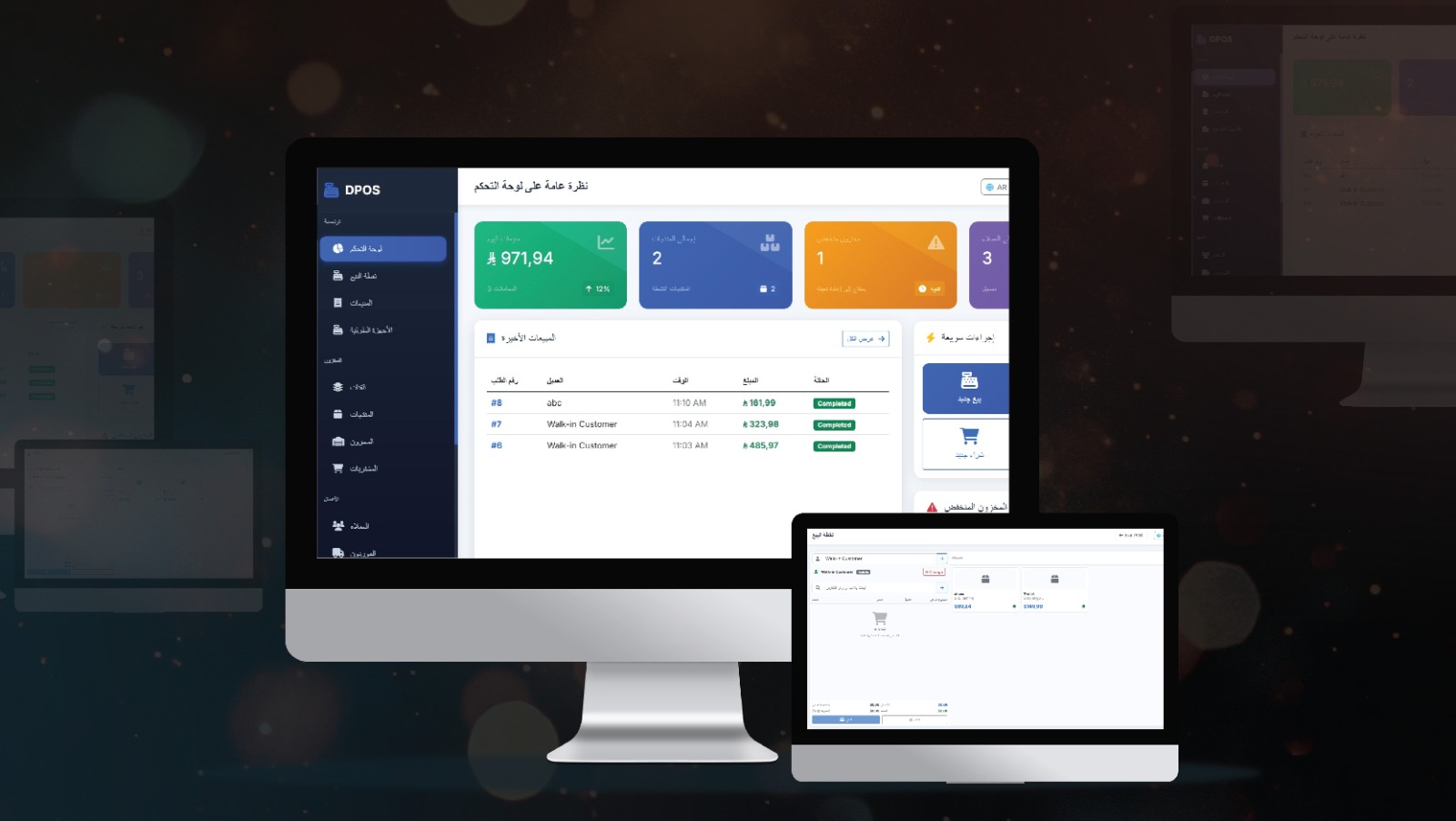

Dashboard
Get a real-time overview of sales, inventory, revenue, and business performance.
Product Management
- 1. Add and manage products
- 2. Import bulk product data
- 3. Generate and print barcodes/labels
Inventory Control
- 1. Stock adjustments and stock counts
- 2. Warehouse and multi-location inventory tracking
- 3. Real-time quantity updates
Sales Management
- 1. Fast billing and checkout
- 2. Sales tracking and history
- 3. Invoice generation
Quotations
- 1. Create and manage customer quotations
- 2. Convert quotations into sales
Purchases Management
- 1. Manage supplier purchases
- 2. Track incoming stock and invoices
Transfers
- 1. Transfer stock between warehouses or branches
- 2. Track incoming stock and invoices
User & HR Management
- 1. Manage staff roles and permissions
- 2. Track attendance and employee records
Customer & Supplier Management
- 1. Maintain customer groups and purchase history
- 2. Manage supplier records and transactions
Accounts & Finance
- 1. Track income and expenses
- 2. Manage taxes and currencies
- 2. Financial reporting and accounting
Frequently Asked Questions
Everything you need to know about D Estate Pro — from setup to management.
A POS system is used to process sales transactions, manage inventory, and track business performance in real time
Yes, it is a fully mobile-responsive POS system that works like an app on smartphones and tablets.
Yes, the system supports multi-location inventory and warehouse management.
Yes, it includes accounts, expenses, taxes, and financial reporting modules.
Absolutely this is a fully customizable POS software tailored to your business requirements.